
See RemoteViewer in action.
Explore the RemoteViewer technician experience, Patch Management and remote support workflow across desktop, browser and mobile.
From connecting to supported devices and managing remote sessions to creating patch policies and maintaining managed endpoints, RemoteViewer is designed to keep the technician workflow clear and practical.
A closer look at the RemoteViewer workflow.
|
Technician Dashboard
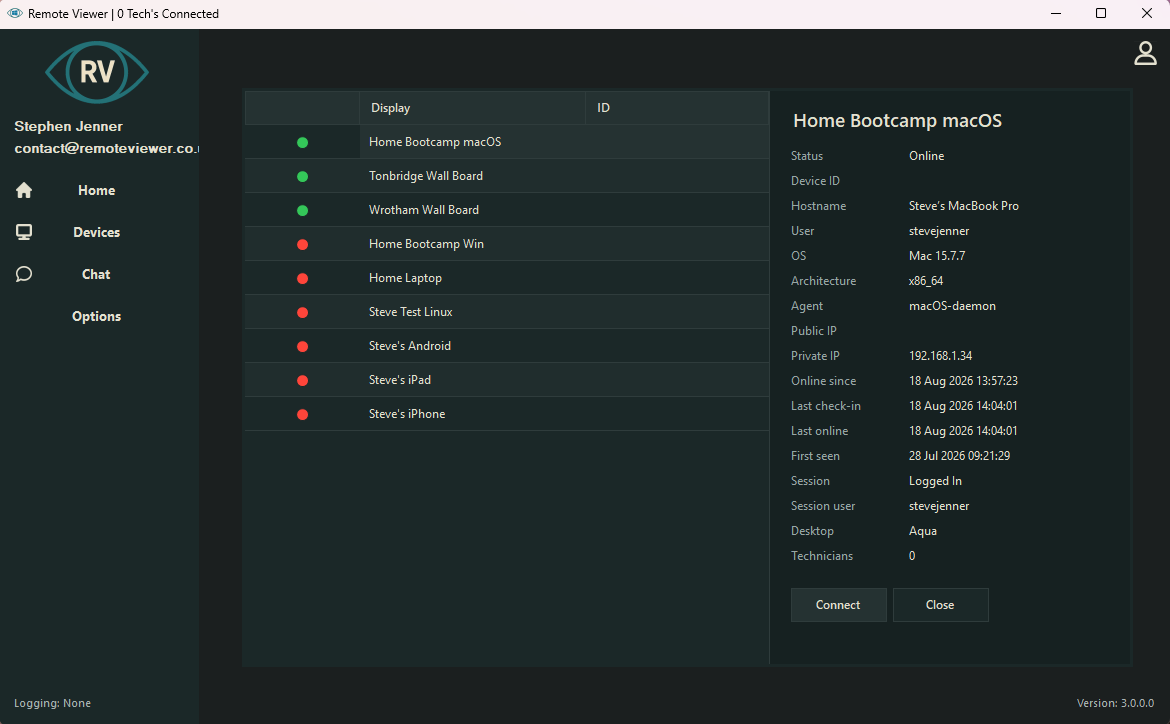
See how technicians access supported devices and launch remote support sessions from the RemoteViewer environment. |
Remote Session View
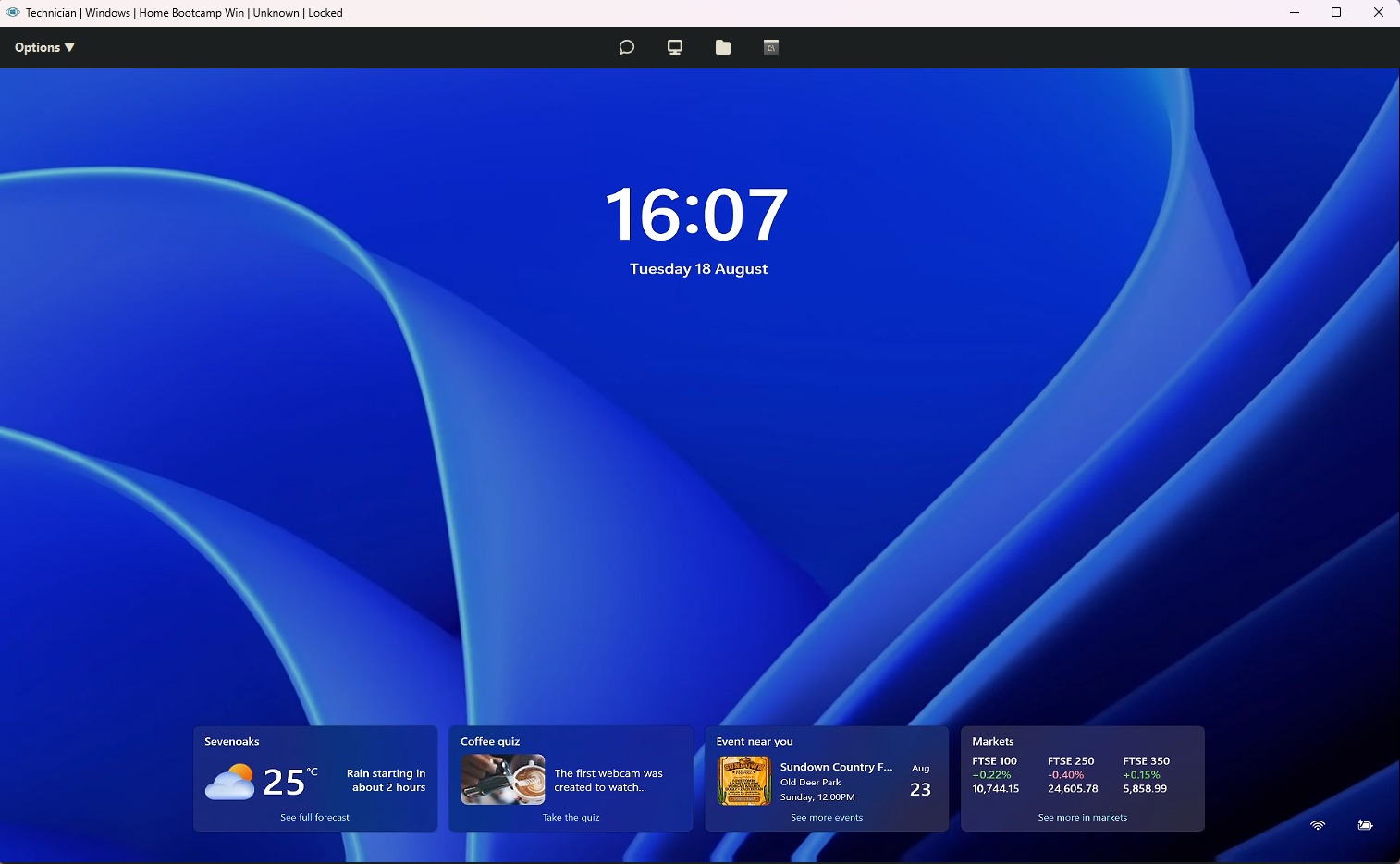
Explore the interface used to view and control supported remote desktop systems during an active technician session. |
Device Management
See how supported attended and unattended devices fit into the RemoteViewer technician workflow. |
|
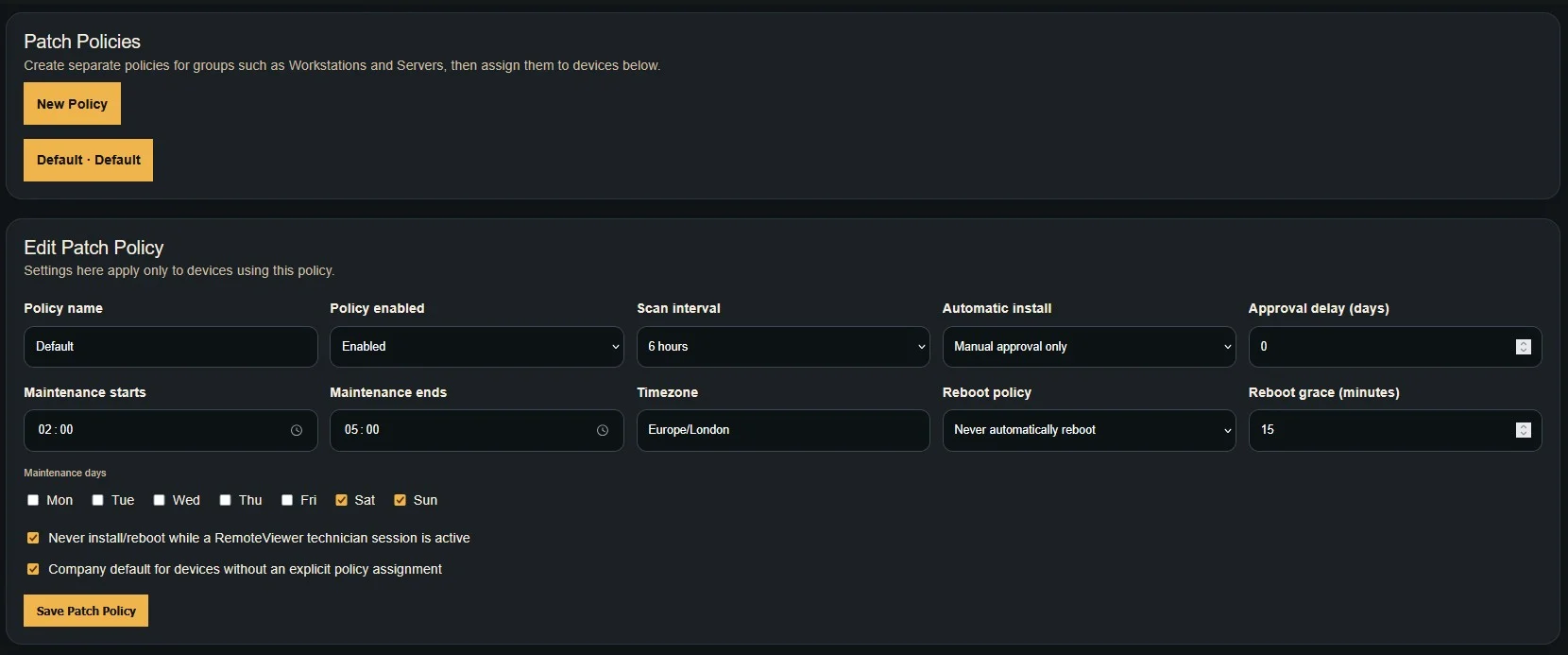
Patch Management
See how technicians create patch policies, control update behaviour and manage supported endpoint patching from RemoteViewer. |
Browser Technician
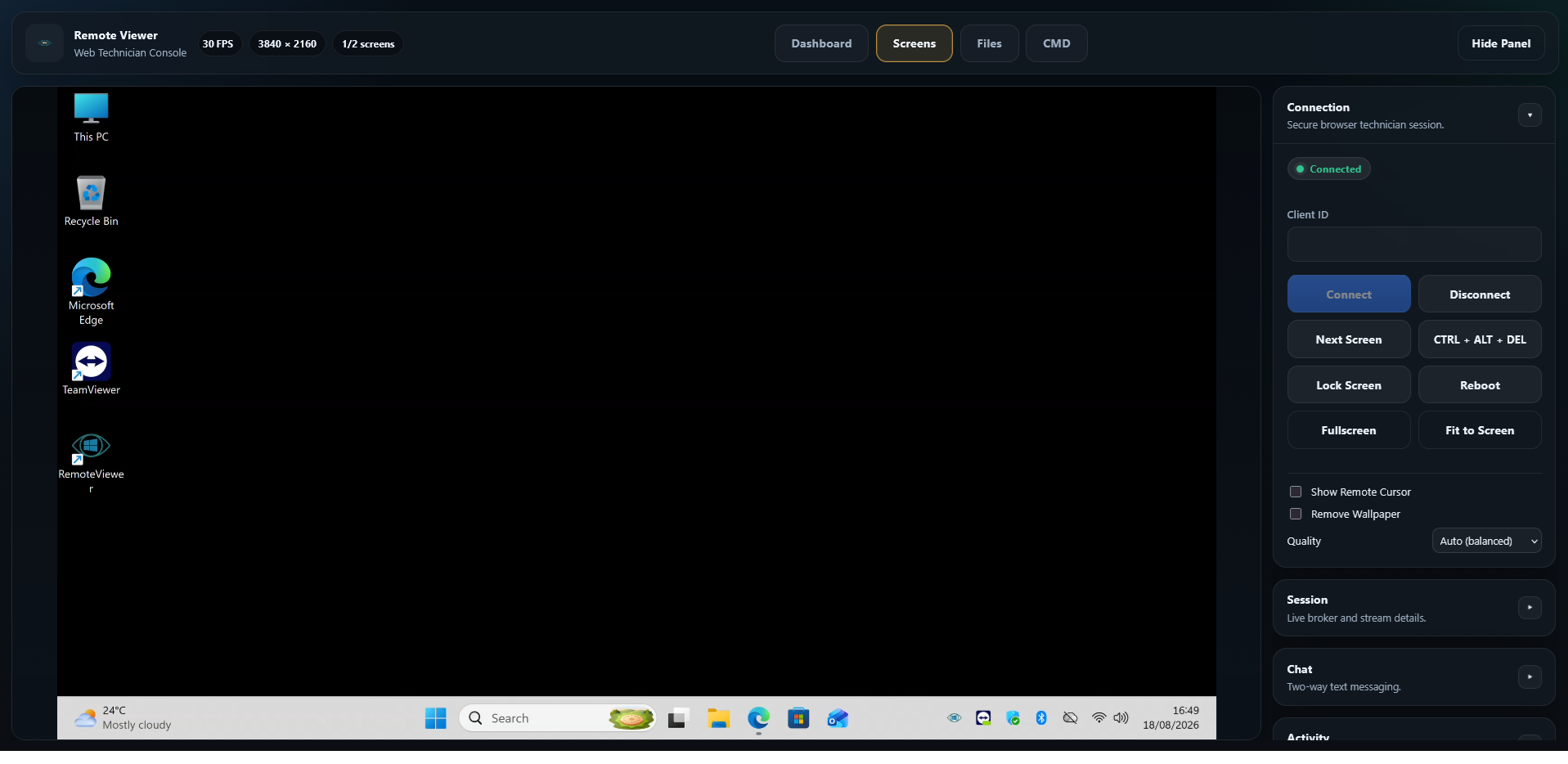
See how supported remote sessions can be accessed from a compatible browser without the full desktop technician application. |
Mobile Technician
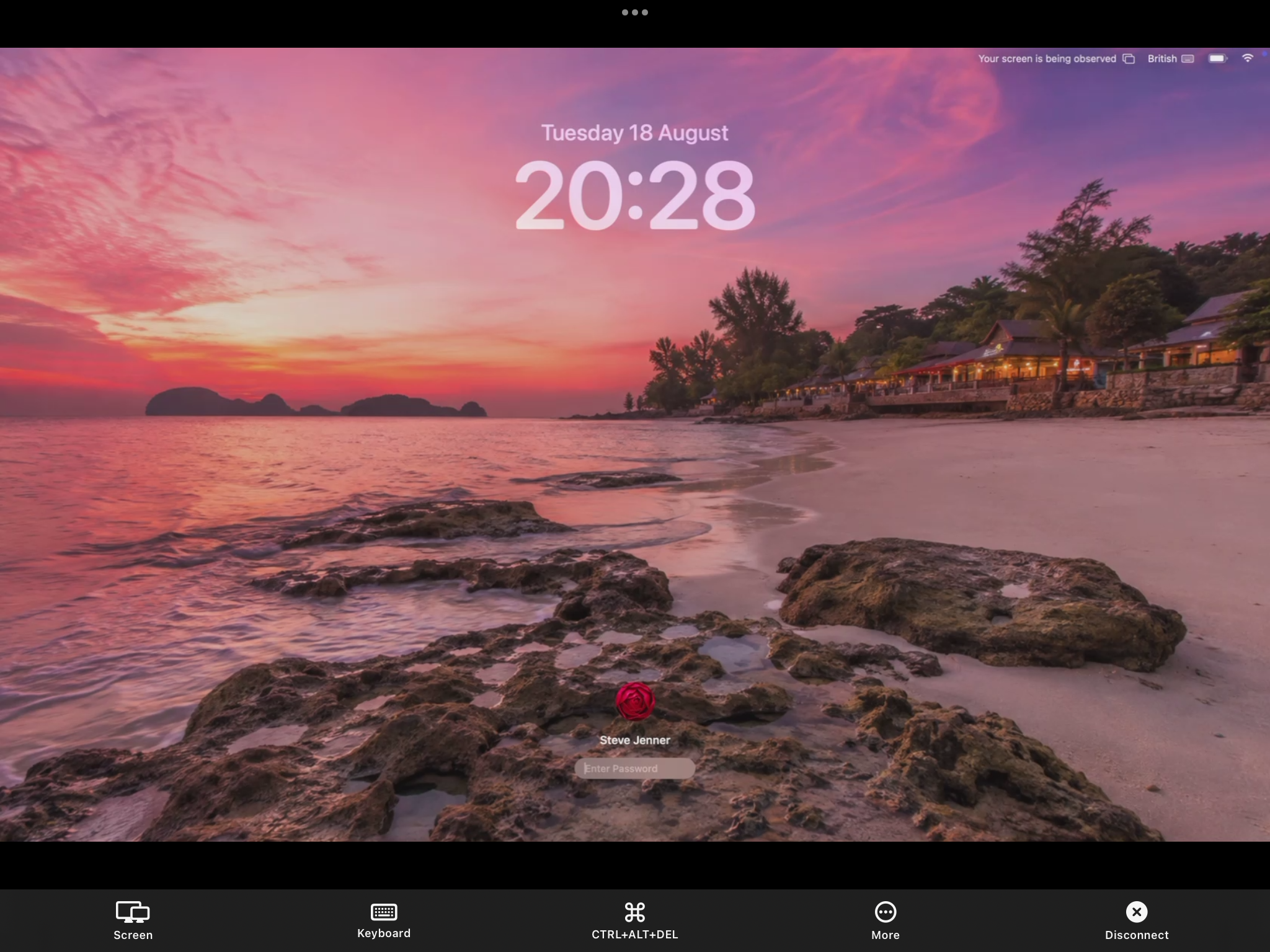
Explore how technicians can access supported RemoteViewer sessions from compatible phones and tablets. |
RemoteViewer screenshots.
Explore the current RemoteViewer interfaces across technician applications, remote sessions, browser access, mobile access and Patch Management.
|
The main technician workspace for accessing supported devices and remote support sessions. |
The technician view used during supported remote desktop sessions. |
|
Supported technician access through a compatible web browser. |
Technician access from supported mobile and tablet devices. |
Manage patch policies and supported updates.
Create patch policies, configure scan intervals, control installation behaviour and manage supported endpoint updates from the RemoteViewer platform.
One RemoteViewer experience across your environment.
RemoteViewer supports mixed operating system environments so technicians can work across compatible desktop and mobile devices from one support and endpoint-management service.
|
Windows Supported desktop control and remote administration. |
macOS Remote support for compatible Mac systems. |
Linux Support compatible desktops and managed systems. |
iOS Supported iPhone and iPad screen viewing. |
Android Supported screen viewing and compatible device control. |
Screenshots show the interface. A trial shows the workflow.
The best way to evaluate RemoteViewer is to use it with the operating systems, managed devices, patching requirements and support scenarios your technicians work with every day.
Try RemoteViewer for yourself.
Experience remote support, managed-device workflows and Patch Management on your own environment.
Start your 7-day free trial and see how RemoteViewer fits your technicians’ day-to-day work.